Top Free Game Sound Effects for Developers
Why Sound Effects Are Critical in Game Development
Sound effects are one of the most important elements in game development. While visuals create the first impression, audio is what makes a game feel responsive and alive. Every action, from pressing a button to triggering an event, needs audio feedback.
For example, a simple click sound confirms an interaction, while a strong impact sound makes gameplay feel more physical and satisfying.
Types of Game Sound Effects You Need
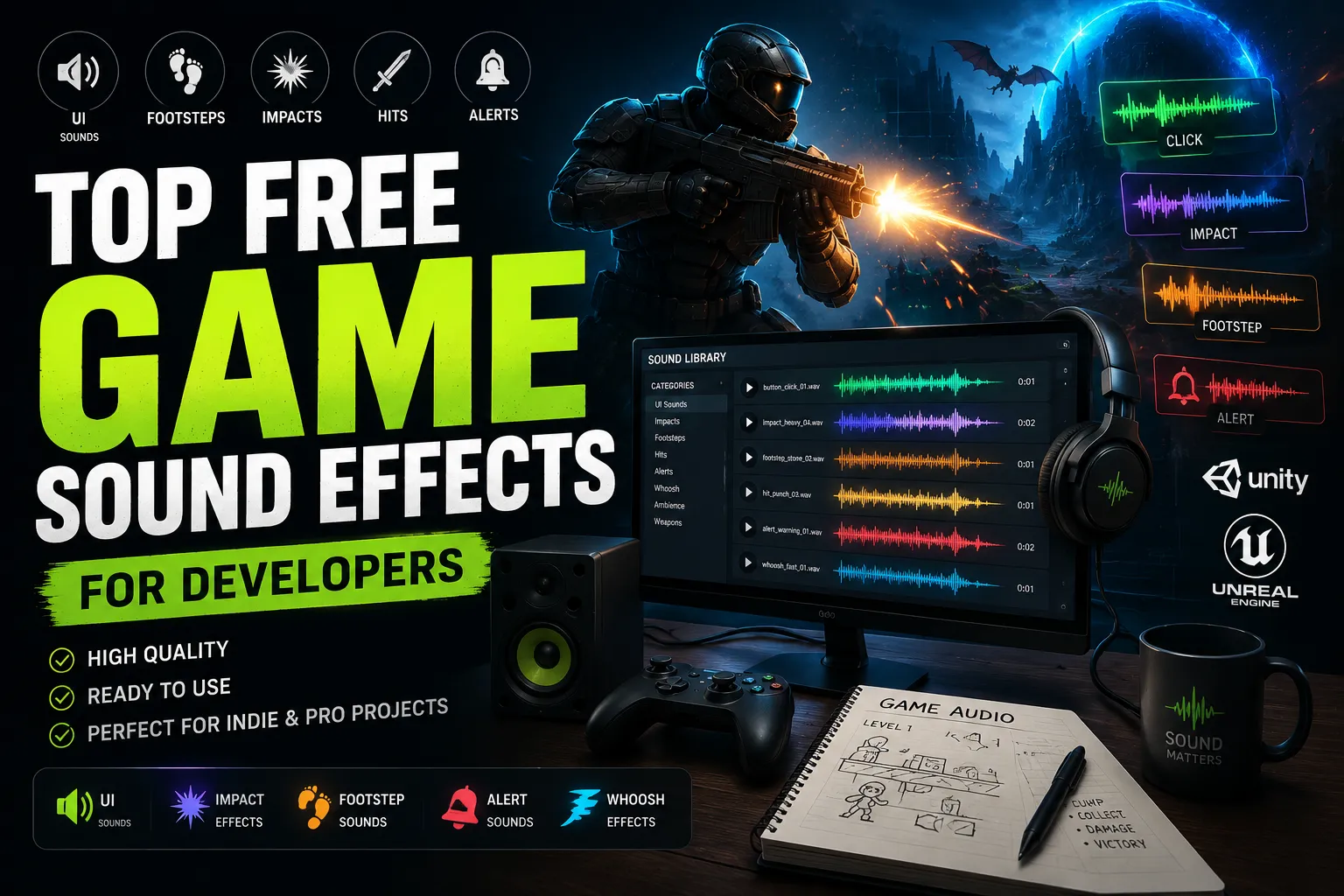
Game sound design is built around several core categories. Each category serves a different purpose and helps improve the player experience.
- UI Sounds: button sounds, clicks, and menus
- Movement Sounds: footstep sounds and jumps
- Action Sounds: hit sounds and interactions
- Impact Sounds: impact effects for collisions
- Alert Sounds: alert sounds for notifications
Combining these categories creates a complete and immersive gameplay experience.
Using UI Sounds for Better Interaction
User interface sounds are essential for guiding players through menus and actions. Adding subtle click sounds and button sounds makes navigation feel responsive and intuitive.
Without these sounds, games can feel unpolished and disconnected from player input.
Enhancing Gameplay with Impact Sounds
Impact sounds add weight and realism to game actions. Whether it’s a collision, attack, or interaction, using impact effects helps players understand what is happening.
Layering impact sounds with hit effects creates a stronger and more satisfying experience.
Creating Immersion with Movement Sounds
Movement sounds such as footsteps are essential for immersion. These sounds connect characters to the environment and make movement feel natural.
Different surfaces and environments can produce different sounds, adding depth to gameplay.
Using Alert Sounds for Feedback
Alert sounds are used to notify players about important events. These sounds can signal success, danger, or changes in the game state.
Using clean and distinct alert sounds ensures that players can react quickly and understand what is happening.
Improving Game Feel with Sound Design
Game feel is heavily influenced by sound. Small audio details can make a big difference in how players perceive your game.
For example, combining impact sounds with subtle whoosh effects can create a more dynamic and engaging experience.
Common Mistakes to Avoid
One common mistake is using too many sounds at once. This can overwhelm the player and reduce clarity. Another issue is poor timing, where sounds do not match the action.
Repetition is also a problem. Using the same sound repeatedly can become annoying. Adding variation helps maintain a better experience.
Where to Find Free Game Sound Effects
Finding high-quality sound effects can be challenging, especially for indie developers. Many free libraries are either limited or poorly organized.
You can explore a structured and categorized sound library on SoundBankPro, where sounds are organized by tags such as click, impact, and footsteps.
Advanced Sound Design Techniques
Professional game developers often use layering and variation to improve sound quality. Instead of using a single sound, combining multiple elements creates a richer experience.
If you want to go deeper into this topic, check out our Game Sound Effects Guide for more advanced techniques.
Final Thoughts
Sound effects are essential for creating engaging and immersive games. They improve feedback, enhance gameplay, and make your project feel more professional.
By using the right combination of click, impact, and alert sounds, you can significantly improve the player experience.
How Sound Effects Improve Game Feel
Game feel is one of the most important aspects of player experience, and sound plays a huge role in it. Small audio cues such as click sounds and button sounds make interactions feel responsive and satisfying.
Without these sounds, even well-designed mechanics can feel empty. Adding subtle audio feedback helps players connect with the game and understand their actions more clearly.
Using Sound Effects in Mobile Games
Mobile games rely heavily on sound effects because interactions are often quick and repetitive. Clean click and alert sounds help guide the player and provide instant feedback.
Because mobile devices have smaller speakers, it is important to use clear and simple sounds that are easy to hear without being overwhelming.
Creating Dynamic Audio Systems
Modern games often use dynamic sound systems where audio changes based on gameplay. For example, impact sounds may vary depending on intensity, while footstep sounds can change based on the surface.
This variation adds realism and keeps the audio experience fresh and engaging.
Balancing Audio for Better Gameplay
Balancing sound levels is essential in game development. Important sounds such as hit effects and alerts should be clearly audible, while background sounds remain subtle.
Proper balance ensures that players can focus on gameplay without being distracted by unnecessary noise.
Using Whoosh Sounds for Action and Motion
Fast-paced games often use whoosh sounds to emphasize movement and action. These sounds help create a sense of speed and direction.
Combining whoosh effects with impact sounds creates more dynamic and engaging gameplay moments.